Filex app
Sep 3, 2026
29 MB
4.1
Requires Android 5.0 and up
1,000,000
Description
Filex TV: A Complete Guide to the IPTV Player App
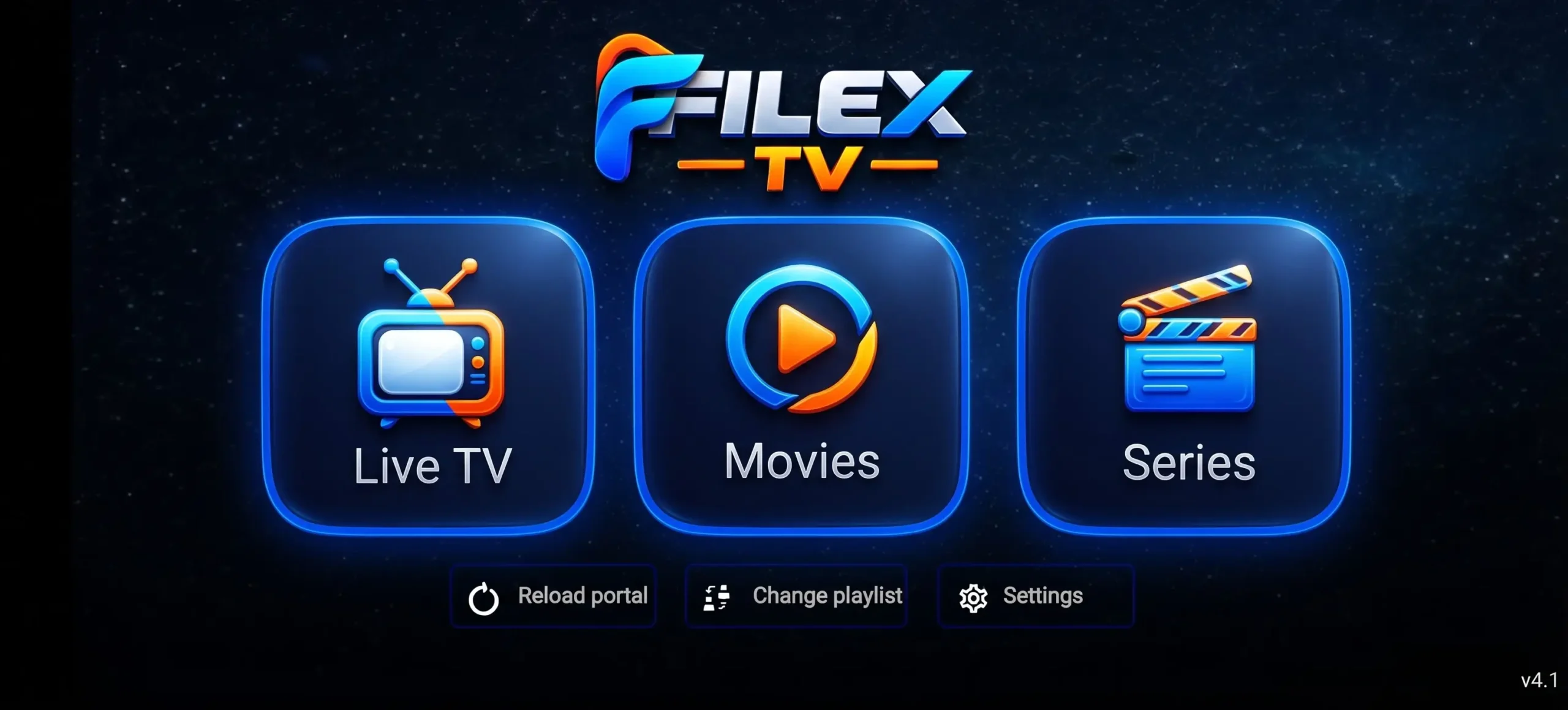
Filex TV is an IPTV-style application that lets users add and stream live television channels, movies, and series through playlist credentials or an M3U/Xtream-compatible subscription. It is best understood as a player and activation platform, rather than a traditional streaming service like Netflix that sells its own licensed catalog directly inside the app.
What Is Filex TV?
Filex TV is commonly searched as “Filex IPTV,” “Filex TV APK,” and “Filex IPTV Player.” The app is designed to work with IPTV subscription lines, allowing users to enter login details or add a playlist and then browse channels and on-demand content through its interface.
Public listings describe Filex TV-based services as offering large libraries of live channels, films, and series, with a particular focus on Pakistani, Indian, Asian, and international entertainment. However, the exact catalog, quality, and availability depend entirely on the IPTV provider or playlist a user activates—not on Filex TV alone.
Main Features
Filex TV focuses on the essentials needed for an IPTV viewing experience:
Playlist support: Users can add an IPTV playlist using credentials such as username and password, then access the associated channels and VOD content.
Live TV browsing: The app is intended for watching live television channels delivered through an internet connection.
Movies and series sections: IPTV services connected to Filex TV may include on-demand libraries for films and TV shows.
Multi-device compatibility: IPTV services associated with Filex TV are promoted for Android phones, Android TV, Fire TV Stick, Smart TVs, iPhone, iPad, Windows PCs, and other IPTV-compatible devices.
HD and 4K potential: Streaming quality depends on the subscription, source stream, device capability, and internet speed; some providers advertise HD, Full HD, and 4K streams.
How to Set It Up
The typical setup process is simple, but it requires valid access details from an IPTV provider:
Install the Filex TV app on a compatible Android device or TV box.
Open the app and select Add Playlist.
Enter the username and password provided by your IPTV service.
Tap Login to load the channels and content associated with that account.
For smooth playback, IPTV providers commonly recommend a stable internet connection of around 15 Mbps or higher, especially for high-definition or 4K streams.
Who Is It For?
Filex TV may appeal to viewers who already use an IPTV subscription and want a dedicated app for organizing live channels, movies, and series in one place. It is particularly relevant for users who follow South Asian and international channels, since several Filex TV-associated services emphasize Pakistani, Indian, and broader Asian programming.
It is less suitable for someone expecting a ready-made, officially licensed streaming catalog immediately after installation. Unlike Netflix or Disney+, Filex TV generally needs external playlist credentials before it becomes useful.
Important Legal and Safety Notes
IPTV apps themselves are not automatically illegal, but the legality of what you watch depends on whether the content and subscription are properly licensed in your country. Users should avoid services that offer premium channels, sports broadcasts, or recent movies at unrealistically low prices without clear licensing information.
Before installing any APK from outside official app stores, users should:
Download only from a source they trust.
Check app permissions and avoid granting unnecessary access.
Use updated security software on their device.
Prefer official app-store versions when available.
Verify that the IPTV provider has legitimate broadcasting rights.
Pros and Cons
Final Verdict
Filex TV is a practical IPTV player for users who already have a legitimate playlist or subscription and want an easy way to watch live TV and on-demand content across devices. Its biggest strength is flexibility; its biggest caution is that the actual experience depends heavily on the provider behind the playlist.
For the best and safest experience, choose a licensed IPTV provider, test the service before committing to a long subscription, and keep your device protected when installing third-party apps.
Filex code :
👇👇
Images